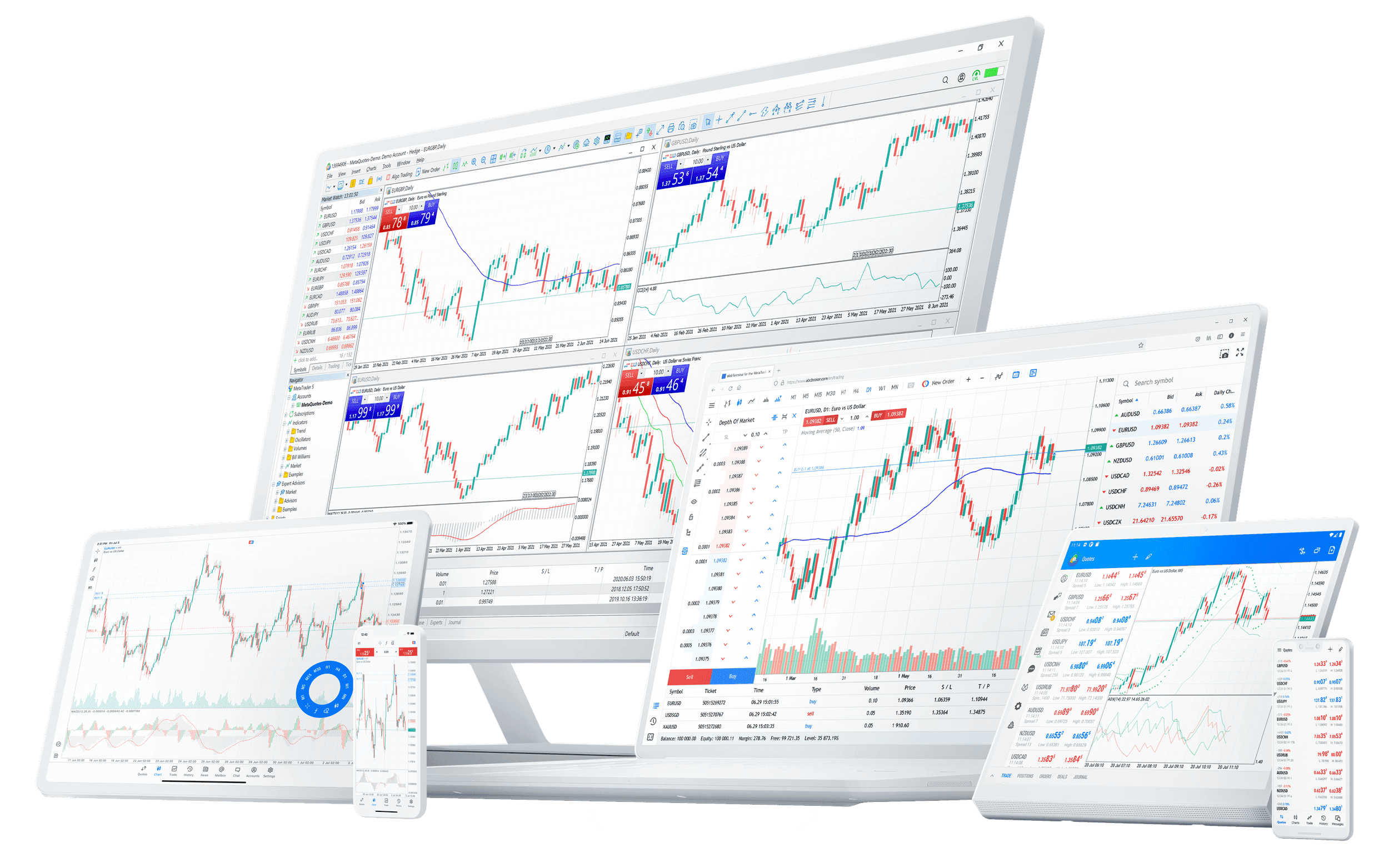
Most traders use a fraction of what MetaTrader 5 offers. The platform is built for speed and depth in equal measure — and a handful of habits turn it from a chart viewer into a genuine trading cockpit.
One-click trading, done safely
Enable one-click trading and the confirmation dialog disappears — orders fire the instant you click buy or sell. On fast markets that's the difference between your price and a worse one.
The trade-off is obvious, so pair it with discipline: keep your default lot size sensible, and lean on bracket orders so every position lands with protection already attached.
Speed without a stop isn't an edge — it's exposure. One-click is for execution, not for skipping risk management.
Master the order types
MT5 goes well beyond market and limit. Knowing which to reach for is half of clean execution:
- Buy/Sell Limit — enter at a better price than current, waiting for a pullback
- Buy/Sell Stop — enter once price breaks through a level, for momentum
- Stop Limit — trigger a limit order only after a stop level trades
- Trailing stop — a stop that follows price in your favour and locks in gains
Set a trailing stop from the position's right-click menu and the platform manages the exit for you as the trade runs.
Make templates and profiles do the setup
Two underused features that save real time every session:
- Templates — save a chart's indicators, colours and timeframe, then apply the whole setup to any symbol in one click
- Profiles — save an entire workspace of charts and windows, and switch between, say, a "forex majors" layout and a "metals" layout instantly
Build each once. Recall it forever.
Read depth, not just price
The Depth of Market window shows resting buy and sell orders around the current price — a view of where liquidity actually sits. It won't predict the next move, but it adds context a single price line can't: where size is waiting, and how thin a level really is.
Let alerts watch the screen for you
You don't need to stare at a chart to trade it. Set a price alert and MT5 notifies you when a level is reached — on the desktop and pushed to the mobile app. Combined with pending orders, it means a plan can execute whether you're watching or not.
A faster default workflow
- Build a clean template and apply it across your watchlist
- Mark your levels, then place pending orders with stops attached
- Set alerts at the prices that would change your plan
- Let the orders and alerts do the waiting — you step in only when something triggers
The platform rewards preparation. Spend the setup time once and every session afterwards is faster, calmer and more consistent.
This article is general information for educational purposes only and is not investment advice. Trading leveraged products carries a high risk of loss.