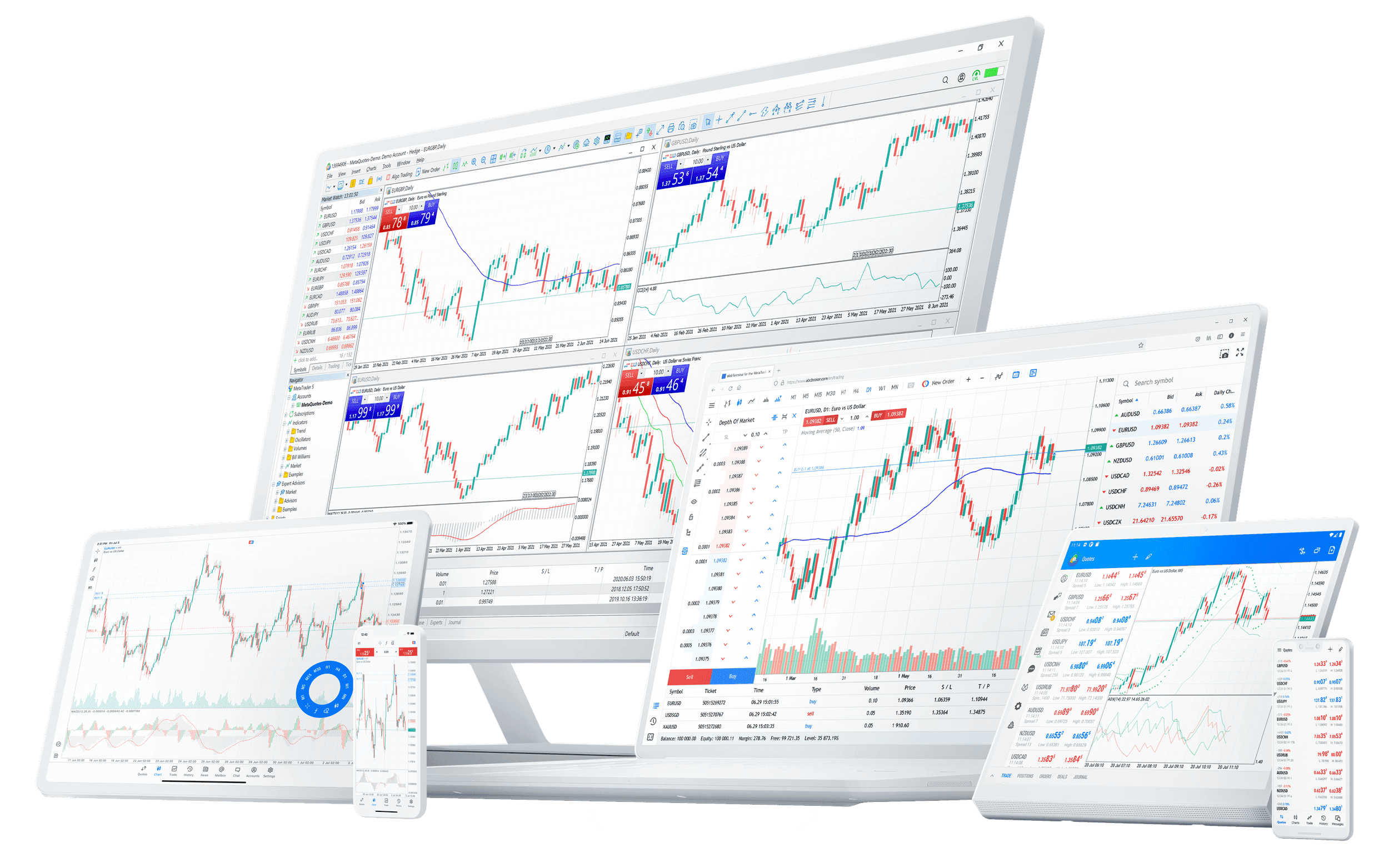

The MetaTrader 5 mobile app is one of the most-downloaded trading apps in the world for a reason: it puts a genuine trading terminal — not a watered-down companion — in your pocket. But most traders use it as a glorified price ticker and miss what makes it powerful. Here's an honest look at what it does, what it doesn't, and how to actually set it up.
What it gets right
For a free app on a small screen, the feature list is serious:
- Full order types — market, limit, stop and stop-limit, with stop-loss and take-profit attached at entry. Not just "buy" and "sell."
- Real charts — all 21 timeframes, dozens of built-in indicators, and drawing tools that work surprisingly well with touch.
- One-tap trading — enable it and orders fire instantly, the same as on desktop.
- Price alerts and push notifications — set a level and your phone tells you when it's hit, so you don't have to watch the screen.
- Full account sync — positions, orders and history mirror your desktop in real time. Open on the desktop, manage on the phone.
For placing, managing and monitoring trades on the move, it genuinely does the job.
Where it falls short — be realistic
It's a phone, and some things don't shrink well:
- Deep analysis — multi-chart layouts and dense indicator setups are cramped on a small screen. The app is for managing trades, not building a complex thesis.
- Expert Advisors — automated strategies (EAs) run on the desktop terminal, not the mobile app. If your edge is automated, the phone is for oversight only.
- Fat-finger risk — one-tap trading is fast and easy to trigger by accident. Keep your default lot size sensible.
The phone is your cockpit when you're away from the desk — not a replacement for it. Plan on the desktop; execute and manage anywhere.
A sensible mobile setup
- Sign in to the same account you use on desktop, so everything syncs.
- Build a clean chart with only the indicators you actually use — screen space is precious.
- Set price alerts at the levels that would change your plan, and let notifications do the watching.
- Attach stops at entry, every time — it's even more important on mobile, where you might be trading between other things.
- Decide on one-tap deliberately: on for speed if you're disciplined, off for a confirmation step if you're not.
The verdict
The MT5 mobile app is the rare companion app that's a real tool, not a demo. Used as a trade-management and monitoring layer on top of a desktop workflow, it's excellent. Expecting it to be your whole analysis setup is where people get frustrated. Set it up deliberately and your phone becomes a genuine extension of your desk. Get it as part of a full MetaTrader 5 setup, where the same account runs across desktop, web and mobile.
This article is general information for educational purposes only and is not investment advice. Trading leveraged products carries a high risk of loss.